


Life

Share
Published 10:48 29 Mar 2017 BST
Updated 10:55 29 Mar 2017 BST

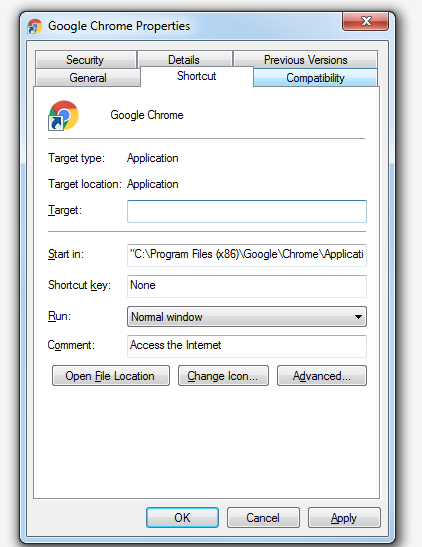 This is a great way to leave your housemate or workmate puzzled. Every time they try to click a chosen icon on their computer, it will actually shut it down.
Simply go to the Goggle Chrome shortcut on their desktop or another commonly-used program, right-click on it and select "Edit Properties." Go to "Shortcut" and change the target to “%windir%system32shutdown.exe -r -t 00”.
Then sit back and watch them try to work out what's happening.
This is a great way to leave your housemate or workmate puzzled. Every time they try to click a chosen icon on their computer, it will actually shut it down.
Simply go to the Goggle Chrome shortcut on their desktop or another commonly-used program, right-click on it and select "Edit Properties." Go to "Shortcut" and change the target to “%windir%system32shutdown.exe -r -t 00”.
Then sit back and watch them try to work out what's happening.
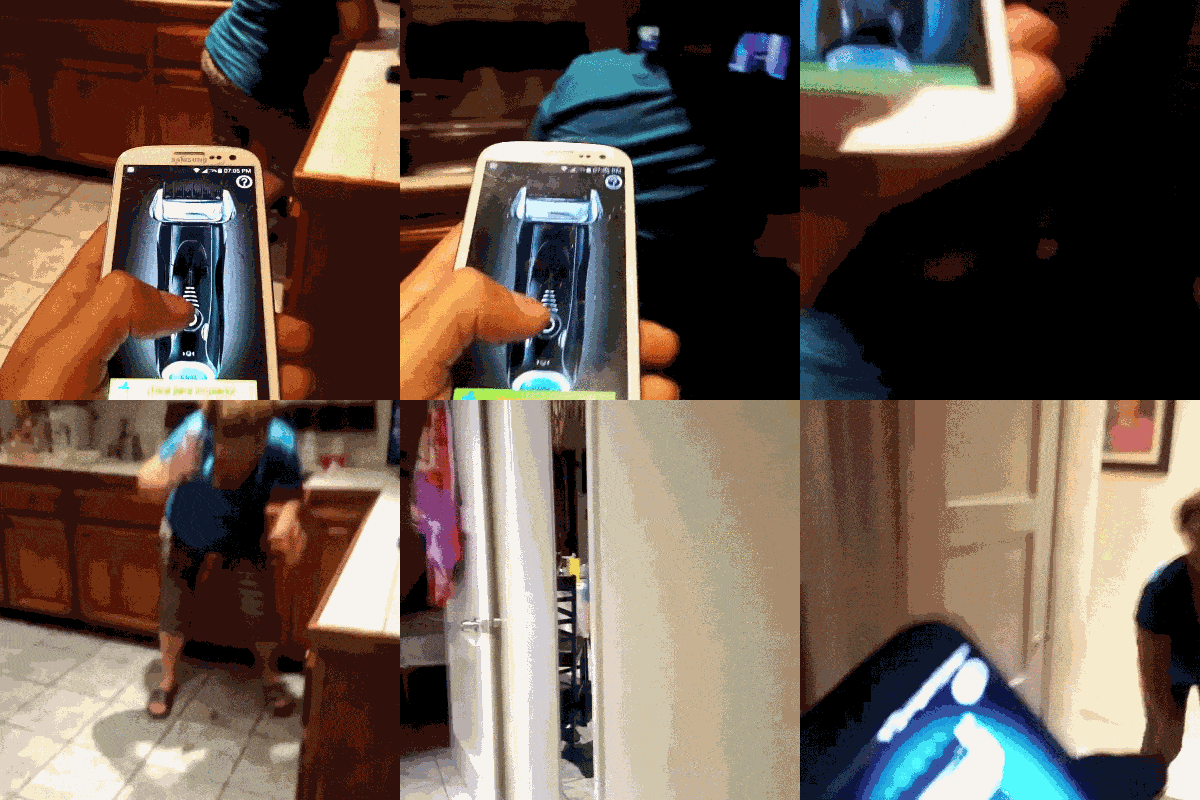 Anyone who used to watch Jackass will be familiar with their razor prank. It basically involved sneaking up on an unsuspecting member of the team with a portable razor and shaving a stripe into their hair.
That's a pretty mean trick but wouldn't it be good if you could get the same response without the irreparable damage to their scalp? Well, there's an app for that. So you can give your mates a quick scare with no lasting damage.
Although we obviously wouldn't recommend trying it on your poor mammy..!
Anyone who used to watch Jackass will be familiar with their razor prank. It basically involved sneaking up on an unsuspecting member of the team with a portable razor and shaving a stripe into their hair.
That's a pretty mean trick but wouldn't it be good if you could get the same response without the irreparable damage to their scalp? Well, there's an app for that. So you can give your mates a quick scare with no lasting damage.
Although we obviously wouldn't recommend trying it on your poor mammy..!
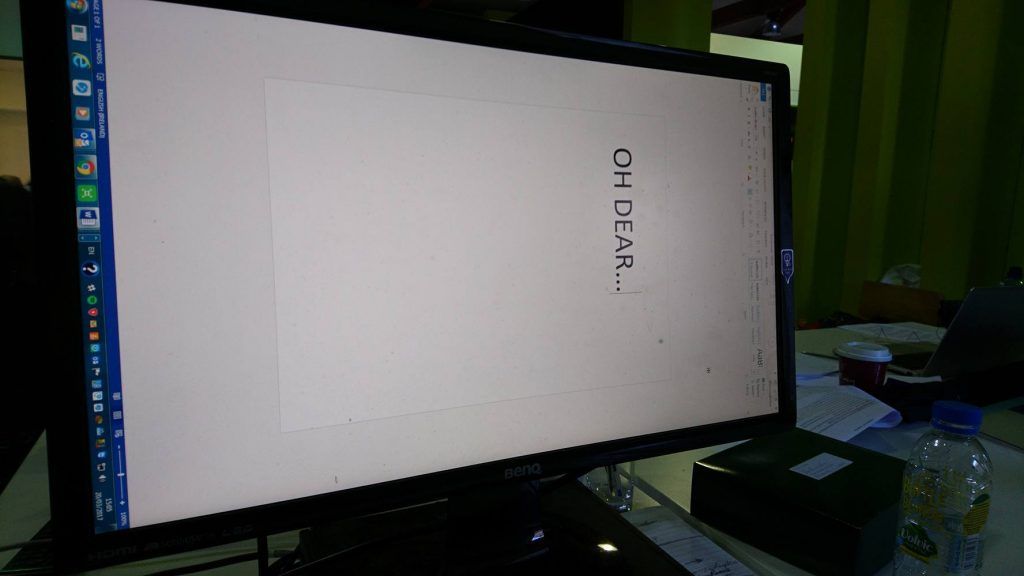 This is a beautifully simple prank to play on a work colleague or a housemate whose laptop just happens to be unattended. It may not work on every computer but it’s definitely worth a go.
Hold down [Ctrl] + [Alt] and hit one of the arrow keys. If it works, the [down] key will turn their screen upside down and the [right] or [left] key will turn the screen sideways.
The beauty of this trick is that anyone who doesn’t know the shortcut will then have to try and fix the settings while reading a screen that is sideways or upside down. It’s particularly frustrating but it’s easily fixed once you stop laughing.
This is a beautifully simple prank to play on a work colleague or a housemate whose laptop just happens to be unattended. It may not work on every computer but it’s definitely worth a go.
Hold down [Ctrl] + [Alt] and hit one of the arrow keys. If it works, the [down] key will turn their screen upside down and the [right] or [left] key will turn the screen sideways.
The beauty of this trick is that anyone who doesn’t know the shortcut will then have to try and fix the settings while reading a screen that is sideways or upside down. It’s particularly frustrating but it’s easily fixed once you stop laughing.
 Brought to you by McVitie’s Jaffa Cakes.
Explore more on these topics:

Life

Life

Life

Life

Life

Life


